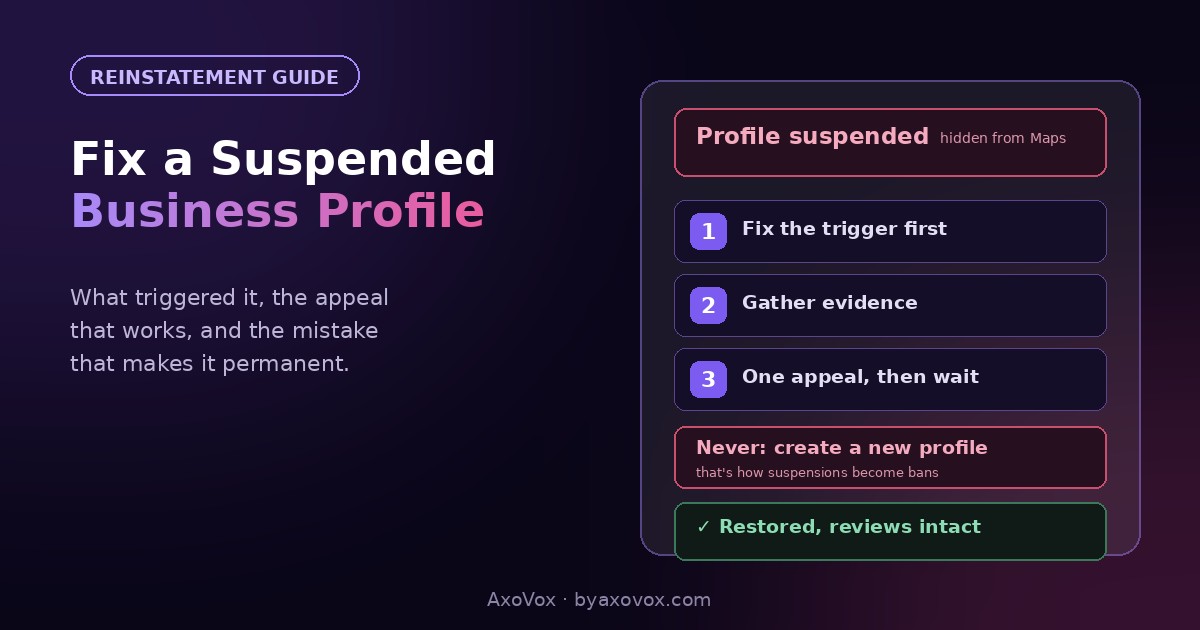
Yesterday your business was on the map with 74 reviews and a steady stream of calls. Today it’s gone, and the email from Google says one word that turns owners’ stomachs: suspended. The map pin, the reviews, the “open now” badge, all invisible to every customer searching right now.
Two things to know before the panic decides anything. Suspensions are usually triggered by a settings change that tripped an automated filter, not by anything criminal; most reinstatements succeed when the request is done right. And the single worst response, the one that converts a fixable problem into a permanent one, is creating a fresh profile to replace the suspended one. Don’t. Google links them, and duplicate-during-suspension is how businesses get banned instead of restored.
Here’s what triggered it, the reinstatement request that actually gets approved, and how to wait without losing your customer flow.
The first 15 minutes
1. Open your profile manager (search your business name signed in, or business.google.com) and read the exact status: suspended means hidden, disabled is more severe.
2. Do NOT edit anything else, and do not create a new profile.
3. Write down what changed in the last two weeks: name edit, address change, new category, new manager added. That change is almost always the trigger, and it’s the first thing to fix before appealing.
What actually triggers suspensions
Google’s filters hunt fake and rule-bending listings, and legitimate businesses get caught doing things that look, to a machine, like what spammers do:
- Keywords stuffed into the business name. “Cohen Plumbing – Best Emergency Plumber Tel Aviv 24/7” reads as spam. The name field is for your legal name, nothing else, and this is the most common self-inflicted trigger.
- Address problems: virtual offices, coworking spaces, PO boxes, a home address hidden inconsistently, or a recent address change that doesn’t match your website and documents.
- Big edits in a short window: name + category + address changed together looks like a listing being hijacked or flipped.
- Category or business-type mismatch with what your website says you do.
- Service-area rule breaches: storefront businesses hiding the address, or service businesses showing one they shouldn’t.
- New managers with messy histories, or an agency managing your profile from an account tied to previous suspensions.
The reinstatement, step by step
Step 1: fix the violation first (day 1)
- Correct the trigger before appealing: real name in the name field, accurate address, right category. Appealing with the violation still live is an automatic rejection
- Make your website agree with the profile: same name, address, phone in the footer and contact page. Reviewers cross-check
Step 2: gather evidence (day 1)
- Photos of your storefront or vehicle with visible signage and branding
- A utility bill or lease showing the business name at the listed address
- Business license or registration document
- Anything else proving real operation: insurance certificate, supplier invoice with the address
Step 3: submit the appeal (30 minutes)
- Search for Google’s “Business Profile appeals tool” (support.google.com/business); sign in with the account that manages the profile
- Select the suspended profile and file the appeal; attach the evidence when prompted, and where there’s a text field, be short and factual: what the business is, what likely triggered the flag, what you corrected
- One appeal, then wait. Multiple submissions don’t accelerate anything and can reset your place in the queue. Typical turnaround runs from a few days to a couple of weeks
Do the reviews come back after reinstatement?
Almost always yes. Suspension hides the profile, it doesn’t delete it, and reviews, photos and history return with reinstatement in the normal case. The exception is content that itself violated policy. This is the other reason never to start a fresh profile: the new one begins at zero reviews while your 74 sit locked to the suspended listing, and the duplicate risks losing both.
If the appeal is denied or nothing happens
Denied without explanation. Re-audit against the trigger list, most denials mean a violation is still live that you don’t consider a violation: the keyword in the name you think is “just descriptive,” the coworking address. Fix ruthlessly, then appeal once more with stronger documents.
No answer after two-plus weeks. Check the appeals tool for status and your email’s spam folder for Google’s requests; unanswered evidence requests quietly kill appeals. The Business Profile help community is the escalation path where product experts can flag stuck cases.
An agency “guarantees” reinstatement for $500. Nobody outside Google can guarantee it, and reinstatement services file the same free appeal you can. Some are competent form-fillers; the guarantee itself is the red flag.
The suspension email mentions “disabled” and policy violations. Harsher tier, same playbook, stronger evidence; documents matter more than explanations there.
You genuinely can’t find a violation. It happens; filters misfire, especially after a competitor’s false “suggest an edit” reports. Appeal with full evidence and say plainly that no recent changes were made. Legitimate misfires get reversed on documentation.
Meanwhile: don’t go dark
Reinstatement takes days to weeks, and customers are searching now. Your website still ranks in regular results, so make the top of the homepage carry the load: phone number, hours, address, visible without scrolling. Push the review link by SMS to recent happy customers so momentum resumes the moment the profile returns (our free review link generator makes the one-tap link). And when it’s back, harden it: clean name, complete every field the boring way, and follow the GBP optimization guide, which is written to keep you visible and unflaggable at the same time. A suspension survived properly usually ends as a one-time story.
Common questions
Why was my Google Business Profile suspended?
Usually an automated filter reacting to a recent change: keywords added to the business name, an address edit or virtual-office address, several big edits at once, or a category that doesn’t match your website. The email rarely names the reason; the trigger is almost always in your last two weeks of changes.
How do I get a suspended Google Business Profile back?
Fix the violation first, then file one appeal through Google’s Business Profile appeals tool with evidence attached: signage photos, a utility bill or lease at the listed address, and a business license. Approvals typically take days to two weeks.
Should I create a new profile while mine is suspended?
No, under any circumstances. Google links the profiles, and a duplicate created during suspension is the classic path from a fixable suspension to a permanent ban. One profile, one appeal, patience.
How long does Google Business Profile reinstatement take?
Commonly a few days to two weeks for a decision, longer if Google requests more evidence. Multiple appeals don’t speed it up and can slow it down.
Do I lose my reviews when my profile is suspended?
No, in the normal case: suspension hides the profile rather than deleting it, and reviews, photos and history return with reinstatement.
Are paid reinstatement services worth it?
Rarely. They file the same free appeal you can, and no one outside Google can guarantee an outcome. If you use one, treat any guarantee as the warning sign, not the reassurance.