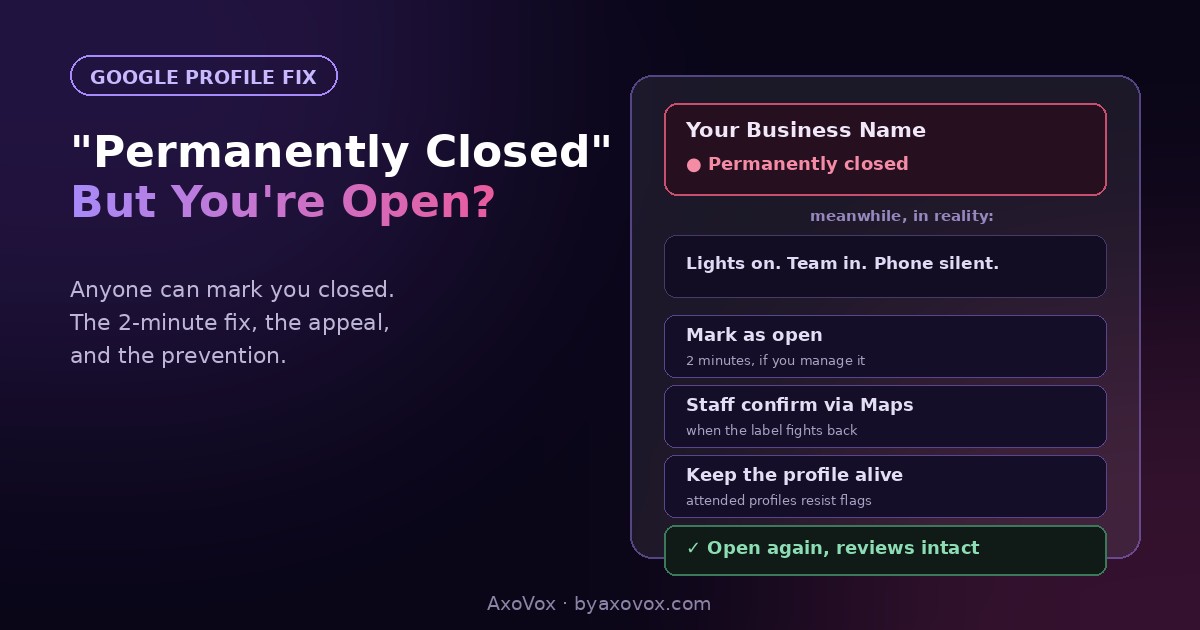
A customer calls, half-apologetic: “Are you guys… still open? Google says permanently closed.” You check, and there it is, a red “Permanently closed” label sitting on your profile like a tombstone, while your lights are on, your team is in, and your phone should be ringing.
Here’s the part that surprises every owner it happens to: you don’t have to be the one who closed your business. Anyone can suggest a business is closed through Google Maps, and Google marks listings closed based on public reports, its own signals, and occasional confusion with a neighbor or previous tenant, no owner confirmation required. Competitors have done it maliciously; well-meaning customers do it accidentally; Google’s systems do it when your profile goes quiet.
The fix ranges from two minutes to a short appeal, depending on your situation. The label meanwhile is radioactive: it kills the call button, buries you in local results, and turns customers away at the exact moment they chose you. So, fast:
The 2-minute fix (if you manage the profile)
Search your business name on Google signed into the managing account. On the profile panel, look for the closed notice; click “Mark as open” if offered, or go to Edit profile → Business information → Hours and set the status back to Open with your hours. Save.
The label usually drops within hours to a couple of days. If the option is missing or the change won’t stick, the steps below cover the blocked paths.
Who marked you closed, and why it matters
Knowing the source tells you which fix you need and whether it will come back:
- A public “suggest an edit.” Anyone on Maps can report a place closed. A few confirmations, or one report against a quiet profile, and the label lands. Most common source.
- Your profile went silent. No posts, no review responses, unanswered “Is this place still open?” prompts that Google shows users. Silence reads as death to the algorithm.
- Confusion with a neighbor or previous tenant. The shop two doors down closed, or the business that held your address before you did, and the label found the wrong target.
- A move handled wrong. You relocated, someone marked the old spot closed, and it hit your live profile instead of the old ghost pin, the exact scenario our old-address guide untangles.
- Malice. It happens. The fix is the same; the prevention section matters more.
The full fix, by situation
Situation A: you manage the profile (2-10 minutes)
- Run the purple-box fix: Mark as open, or reset the status under Hours
- While in there, refresh the profile’s pulse: confirm hours, add one photo, answer any pending questions. A visibly alive profile resists re-flagging
- Check for a duplicate listing of your business also marked closed (search your name and your address in Maps); report duplicates so the closed one can’t shadow you
Situation B: no “Mark as open” option, or the label returns
- In Maps, open your listing as a regular user, tap Suggest an edit → Change name or other details, and submit that the business is open, then have two or three real people (staff, regulars) do the same from their own accounts. Independent confirmations counter the reports that closed you
- Update your website homepage to plainly show current hours and “Open”, Google cross-checks your site when reports conflict
- If it still won’t flip, contact Business Profile support through the help center with proof the business operates: photo of the storefront today, a recent utility bill, your posted hours
Situation C: you don’t control the profile at all
- Claim it first: on the profile, find “Own this business?” and complete verification, you can’t reliably defend a listing you don’t hold
- Then run Situation A. And keep the credentials somewhere safe; unclaimed profiles are exactly the ones this happens to
Do I lose my reviews and ranking while it’s marked closed?
Reviews: no, they stay, the label hides and demotes the profile, it doesn’t erase it. Ranking: the listing is heavily suppressed while closed, and recovery after reopening usually takes days to a few weeks as signals normalize. The bigger, sneakier loss is the customers who saw the tombstone and quietly chose someone else, which is why speed matters more here than with almost any other profile problem, and why the prevention below is worth ten minutes a week.
If the label keeps coming back
It returns days after you fix it. Reports are still flowing, often from confusion with a genuinely closed neighbor. Strengthen the disagreement: fresh photos, a post, correct hours, staff confirmations via Suggest an edit, and your website loudly open.
The profile got suspended after you edited. Status changes plus other edits can trip the filter. Don’t create a new profile; follow the reinstatement guide with your operating-proof documents ready.
You DID close one location but others show closed too. Multi-location bleed: make sure each location has its own listing, close only the right one, and appeal the others with per-location proof.
You’re “temporarily closed” and want that instead. That’s a different, gentler status set the same place under Hours; use it for renovations and seasons. It preserves the profile without the tombstone.
You suspect a competitor. Fix first, gather screenshots, and report the account’s edit if the pattern repeats. Proving malice is hard; making your profile too alive to flag is easier and works.
Make it not happen again
The common thread in almost every wrongly-closed story is a profile that looked abandonable: old photos, unanswered questions, no recent activity. Ten minutes a week ends that: answer new reviews (the templates make it fast), add an occasional photo, keep hours current, and keep fresh reviews flowing with a one-tap review link. An attended profile is expensive to kill: Google trusts its signals, and public reports against it bounce. The full setup that makes the profile both rankable and durable is the GBP optimization guide.
Common questions
Why does Google say my business is permanently closed when it isn’t?
Because Google accepts closure signals from the public and its own systems, not just owners: “suggest an edit” reports, unanswered is-this-open prompts, confusion with a closed neighbor or previous tenant, or a quiet profile that reads as abandoned. No owner confirmation is required for the label to land.
How do I remove the permanently closed label from Google?
In your Business Profile, use “Mark as open” or reset the status under Edit profile → Hours. If the option is missing or the label persists, submit open-status corrections via Suggest an edit from several real accounts and contact Business Profile support with proof of operation.
How long does it take for Google to show my business as open again?
Owner fixes typically clear the label within hours to a couple of days. Appeals with support take longer. Local ranking recovers over days to a few weeks after reopening as engagement signals return.
Can a competitor mark my business as permanently closed?
Anyone can suggest it, and against an unattended profile such reports sometimes stick. The durable defense is an actively maintained, claimed profile whose signals contradict the report, plus prompt corrections when it happens.
Do I lose my reviews when marked permanently closed?
No. The label hides and demotes the profile but doesn’t delete reviews, photos or history; everything returns when the status is corrected.
What’s the difference between temporarily closed and permanently closed on Google?
Temporarily closed preserves the profile with a softer notice, right for renovations, seasonal breaks and long holidays. Permanently closed is the tombstone: heavy suppression and customer turn-away. Never use permanent for a pause.