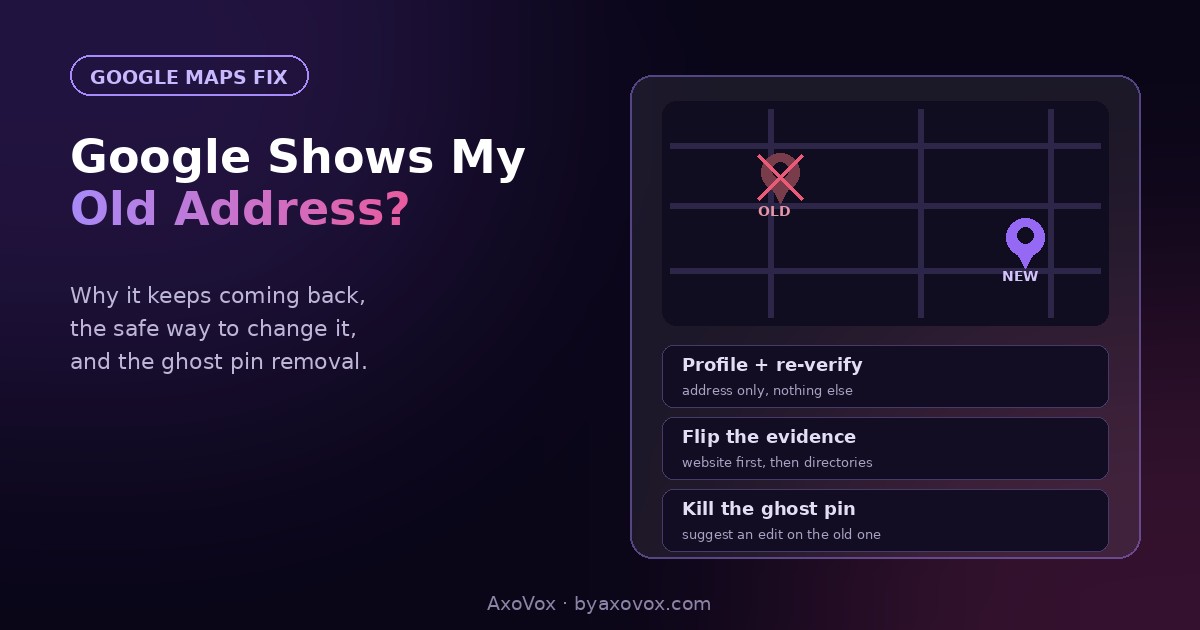
You moved months ago. The sign is up, the boxes are long unpacked, and Google is still sending customers to the old address, where they stand in front of someone else’s door, call you annoyed, and occasionally leave the review to match. You’ve maybe even fixed it once, and the old address crept back.
Here’s what nobody explains: your address doesn’t live in one place at Google. It lives in your Business Profile, in Google Maps’ own data, and in dozens of directories Google cross-checks, and any one of them can resurrect the old address after you’ve fixed another. That’s why it “keeps coming back.” You didn’t fix it wrong; you fixed one copy of it.
There’s also a trap on this road: an address change is one of the top triggers for a profile suspension when done carelessly. Below is the full fix in the right order, the safe way, plus how to kill the ghost pin that survives everything.
The 5-minute first move
Search your business name on Google while signed into the account that manages your profile. In the profile panel, click Edit profile → Business information → Location, enter the new address, and save. Then check the map preview: drag the pin to the exact entrance if it landed wrong.
Google may ask to re-verify (video, postcard, or instant). Do it immediately; an unverified address change is a half-finished change, and half-finished is where problems breed.
Why the old address keeps coming back
Google treats your address as a fact to be verified, not a setting you own. It continuously reconciles three sources:
- Your Business Profile, what you typed.
- Maps user data, “suggest an edit” reports from the public, Street View signals, and the old location’s history.
- The wider web, directories, your own website, social pages, anywhere your name-address-phone appears.
When those disagree, Google goes with the weight of evidence, and right after a move, the evidence is stacked against you: fifteen directories, your website footer, and years of Maps history all still say the old address. Fix only the profile and Google keeps “correcting” you back to the majority. The real fix is flipping the majority.
The full fix, in the right order
Step 1: the profile, done safely (day 1)
- Change ONLY the address. Don’t “take the opportunity” to also rename the business, swap categories and rewrite the description; bundles of big edits are what the suspension filter hunts
- Complete re-verification the moment it’s offered
- Drag the pin to the exact entrance, wrong-pin placement generates its own “can’t find you” complaints
Step 2: flip the evidence (day 1-2, one hour)
- Your own website: footer, contact page, and any LocalBusiness schema. This is the source Google trusts most after the profile itself
- Your socials: Facebook page, Instagram bio, anywhere the address appears
- The directories that matter in your market: the big general ones plus your industry’s. Search your business name + old address in quotes to find stragglers you forgot exist
Step 3: kill the ghost pin (if one exists)
- Search the OLD address in Google Maps. If a pin for your business still stands there, open it
- If it’s a duplicate listing: report it via Suggest an edit → Remove this place → Duplicate of another place, pointing to your real profile
- If it’s your old listing that somehow split off: same menu, mark it moved or closed. Never mark your CURRENT profile closed, that’s the classic self-inflicted wound; “permanently closed” belongs only on the old ghost
Will changing my address hurt my rankings?
Honestly: it can wobble them, temporarily. Local rankings are partly proximity-based, so a move changes who you’re closest to, that part isn’t damage, it’s geography. The avoidable damage comes from inconsistency: the longer old and new addresses coexist across the web, the longer Google hesitates. Businesses that flip everything within a week typically stabilize within a few weeks; businesses that only fix the profile can wobble for months. Reviews, photos and history all stay with the profile through a normal address change.
If the old address still shows
Search results show old info days after the change. Caching. Google’s various surfaces (Search panel, Maps, AI answers) update on different schedules; give a verified change one to two weeks before escalating.
The change was rejected or “under review” forever. Usually a verification issue. Make sure your website already shows the new address before retrying, evidence first, edit second.
A “suggest an edit” from the public keeps reverting it. It happens near old locations. Keep your version consistent everywhere and re-confirm the address in the profile; owner-verified data outweighs public suggestions once the rest of the web agrees with you.
The profile got suspended after the change. The address change tripped the filter, annoying but recoverable. Don’t create a new profile; follow the reinstatement guide, evidence for the NEW address in hand (lease, utility bill, signage photos).
Customers say their phone’s navigation still goes to the old place. Personal map history and cached favorites on their devices. Nothing you can fix server-side; a “we’ve moved” post with a map link, pinned on your profile and socials, catches most of them.
The move-week checklist worth stealing
For anyone reading this BEFORE the move (lucky you): update the website the day you get keys, change the profile address and re-verify the same day, blast the directories that week, post the “we’ve moved” update with photos of the new signage, and ask your next few happy customers to mention the new location in their reviews, fresh reviews naming the new spot are the strongest new-address evidence there is. The full profile setup that makes everything findable at the new address is the GBP optimization guide.
Common questions
Why does Google show my old business address?
Your address lives in three places Google reconciles: your Business Profile, Maps’ own data and edit history, and directories across the web. If most sources still show the old address, Google sides with the majority, which is why fixing only the profile often doesn’t stick.
How do I change my business address on Google?
In your Business Profile: Edit profile → Business information → Location, then complete re-verification when prompted and drag the map pin to your exact entrance. Change only the address, not name and categories at the same time, to avoid tripping the suspension filter.
How long does a Google address change take to show?
A verified change typically appears within days, with full consistency across Search, Maps and AI answers inside one to two weeks. Cases drag when re-verification is skipped or the old address still dominates the wider web.
Will I lose my reviews if I change my address?
No. Reviews, photos and history stay with the profile through a normal address change or move. Losses happen only via the wrong path: deleting the profile or creating a new one instead of editing.
How do I remove my old address from Google Maps?
Search the old address in Maps. If a leftover pin for your business exists, use Suggest an edit: mark a duplicate as duplicate, or the old split-off listing as moved/closed. Never mark your current, correct profile as closed.
Can changing my address get my profile suspended?
It’s one of the known triggers, especially bundled with other big edits or moved to a virtual-office address. Change the address alone, verify immediately, and have documents for the new location ready in case reinstatement evidence is requested.