Roughly half of Google searches now open with an AI answer, AI Mode has more than a billion users, and until mid-2026 you had exactly zero official data on whether YOUR pages appeared in any of it. AI visibility was the biggest blind spot in every Search Console account on earth.
That changed quietly in June 2026: Search Console now has a dedicated Generative AI performance report, showing when your pages appear inside AI Overviews, AI Mode, and AI-generated Discover features, and after a slow rollout, it went live for every account worldwide at the end of August. Most owners haven’t opened it. Many don’t know it exists.
Here’s where it hides, how to read it, and, the part that trips everyone, why the report shows impressions but no clicks and no queries, and how to extract real decisions from it anyway.
Where it lives (30 seconds)
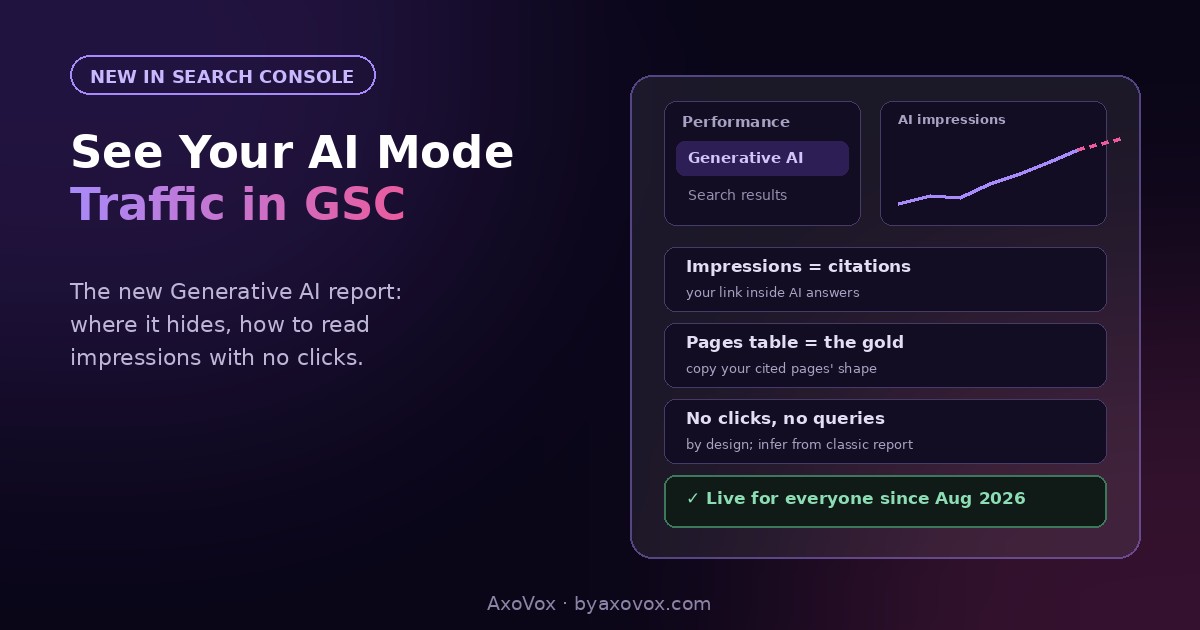
Open search.google.com/search-console → in the left sidebar, under Performance, you’ll find the Generative AI view sitting alongside the familiar “Search results” report. Click it. That’s your AI visibility: a chart of impressions over time, and tables by page, country and device.
Don’t see it? It rolled out to all accounts worldwide by August 31, 2026, so refresh, check the property picker, and see the troubleshooting section below.
What the report shows, and what it deliberately doesn’t
You get: impressions (each time a link to your site appears inside an AI Overview, an AI Mode response, or an AI Discover feature), the pages that earned them, countries, devices, and dates. The export button works, so this data can join your regular reporting.
You don’t get: clicks, CTR, queries, or positions. That’s not a rollout gap you should wait out; it reflects what AI results are. An AI answer often satisfies the searcher without any click, and there’s no “position 3” inside a synthesized paragraph. Which means reading this report with a rankings mindset will frustrate you, and reading it correctly requires one mental swap:
Impressions here are citations. Every impression means Google’s AI judged one of your pages trustworthy enough to build an answer from and show your link to a real person. It’s brand exposure at the exact moment of a question, the AI-era equivalent of being quoted by the newspaper everyone reads, and it happens whether or not a click follows.
Reading it: the 15-minute routine
Step 1: read the chart honestly (3 minutes)
- Set the range to 3 months; short windows are noise here just like in the classic report
- The dotted line at the recent edge is preliminary data, still being collected; judge trends on the solid part
- One quirk to know: the chart counts one impression per property per AI answer, even if two of your pages appeared in it, so page-level totals can exceed the chart total. Not a bug; aggregation
Step 2: mine the Pages table (the real gold, 7 minutes)
- Sort pages by impressions. These are the pages Google’s AI already trusts, your citation winners
- Open your top 3 and ask WHY: almost always you’ll find direct answers under question headings, concrete numbers, and liftable structure, the pattern from our structure guide. That’s your template: make more pages shaped like your winners
- Now flip it: which important pages have zero AI impressions? Those are structure-rewrite candidates, same topic, answer-first rebuild
Step 3: cross-reference the classic report (5 minutes)
- The AI report hides queries, but the regular Search results report doesn’t. Take a top AI page, open it in the classic report, and read its queries: that’s your best inference of what questions the AI is citing you for
- Watch the pair over months: pages with strong AI impressions plus softening classic clicks are being consumed inside answers, expected on informational topics. Pages winning both are your model citizens
- Log five numbers monthly: total AI impressions, top cited page, newest page to earn a citation, and the same two from the classic report, one line in the same spreadsheet as your keyword review
About that new opt-out toggle: leave it alone
The same rollout added a control that lets a site block itself from AI Overviews, AI Mode and AI Discover entirely. Google states it doesn’t affect regular rankings, and for publishers with content-licensing fights, it’s a real decision. For a small business, flipping it means deleting yourself from the surface where a billion people now ask questions, while protecting nothing that earns you money. You can’t be the answer in a channel you opted out of. Leave it on, and compete.
If the report looks wrong or empty
No Generative AI view in the sidebar. Confirm you’re on the right property and a current account; the rollout completed globally August 31, 2026. Still missing after a refresh and a day, check Google’s Search Console help for account-type notes.
The report exists but shows zero impressions. The honest reading: Google’s AI isn’t citing you yet. That’s a fixable content-shape problem far more often than an authority problem; the playbook is our AI Overviews guide, and small sites with liftable answers beat big sites with vague ones regularly.
Page totals don’t add up to the chart total. Aggregation, per the quirk in step 1. Property-level counts one per answer; page-level counts each page.
Impressions but you can’t tell which queries. By design, for now. Use the classic report’s queries for the same pages as your inference layer, and Google has said more metrics may come over time.
Numbers changed since yesterday. The dotted preliminary window updates as data finalizes. Judge nothing inside it.
Why this report matters more than its missing metrics
For a year, “how do we show up in AI answers” was answered with vibes and third-party guesses. This report is the first official scoreboard: it tells you which of your pages Google’s AI already trusts, which ones it ignores, and whether your changes move the number, which converts AI visibility from folklore into a feedback loop. Pair it with a monthly manual check of what the answers actually say about you (the AI Mode explainer covers how it builds them), and you’re managing the channel most of your competitors haven’t noticed has a dashboard now.
Common questions
How do I see AI Overview and AI Mode data in Search Console?
Open the Performance section and select the Generative AI view, which sits alongside the standard Search results report. It launched in June 2026 and became available to all accounts worldwide by the end of August 2026, showing impressions, pages, countries and devices for AI Overviews, AI Mode and AI Discover features.
Why does the AI report show no clicks or queries?
The report currently includes impressions only, by design: AI answers often satisfy searchers without clicks, and there are no positions inside a synthesized answer. Infer the questions from the same pages’ queries in the classic Search results report, and treat impressions as citations.
What counts as an impression in the Generative AI report?
Each time a link to your site appears within an AI Overview, an AI Mode response, or an AI-powered Discover feature. At property level, multiple links from your site in one answer count once, which is why page totals can exceed the chart total.
How do I get more AI impressions?
Study your currently cited pages and replicate their shape: question headings with direct answers underneath, concrete numbers, self-contained liftable sentences. Rebuild important zero-impression pages in that structure; citation follows extractability more than site size.
Should I use the toggle that blocks my site from AI features?
For most businesses, no: it removes you from AI Overviews and AI Mode entirely while Google states regular rankings are unaffected either way. It exists mainly for publishers with content-control concerns, not for businesses that want to be found.
Is AI traffic replacing my normal search traffic?
Partially, on informational queries: strong AI impressions with softening classic clicks means your content is being consumed inside answers. The visibility still builds brand and trust, and commercial, local and action queries continue producing clicks and calls.