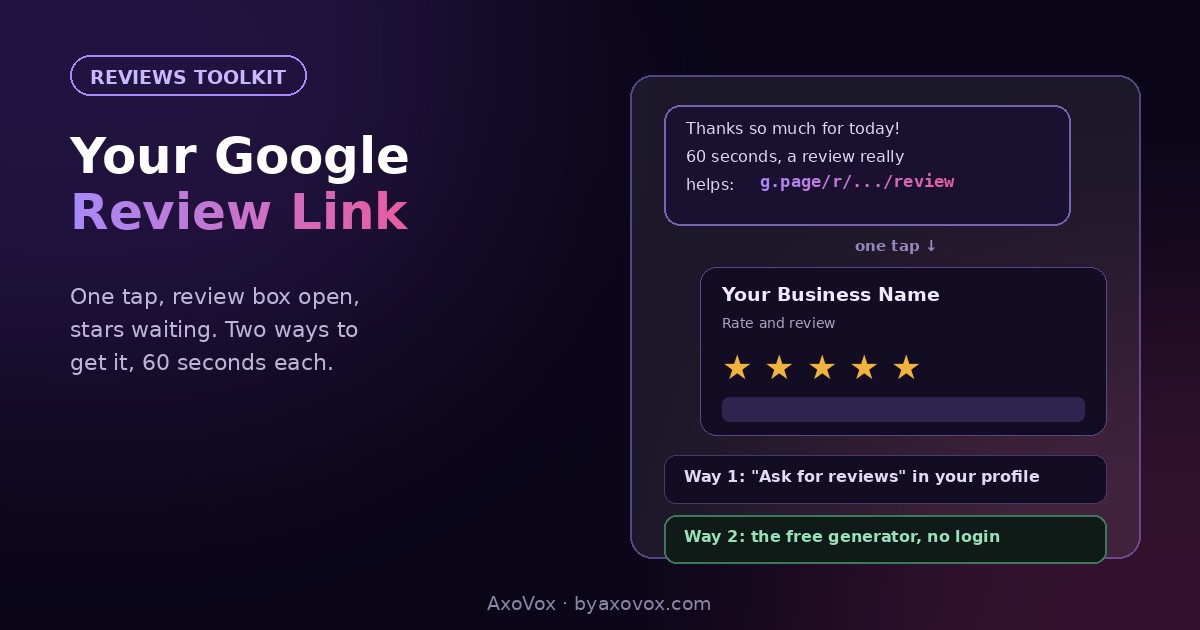
You ask a happy customer for a Google review, they say “of course!”, and then reality happens: they have to search your business, find the right result, spot the reviews section, locate the write-a-review button. Every step loses a share of willing reviewers, and the busy ones, often your best customers, are the first to drop off.
The fix is a link most owners don’t know exists: a direct review URL that opens Google’s review box pre-loaded for your business. One tap from an SMS or WhatsApp message, stars ready, no searching. Businesses that switch from “please review us” to sending the link routinely see their review rate multiply, because the ask and the action become the same moment.
Two ways to get yours, both under a minute, then the part that matters more: how to use it.
Way 1: from your Business Profile (60 seconds, official)
1. Google your business name while signed into the account that manages the profile
2. In your profile panel, find “Ask for reviews” (or “Get more reviews” in the dashboard)
3. Google shows your short link, usually g.page/r/XXXX/review. Copy it, that’s the one
4. Send it to yourself and tap it: the review box should open with your business name and stars waiting
Way 2: the generator (60 seconds, no login needed)
Not at the managing account, or handling this for someone else? Our free review link generator finds your business and builds the same one-tap link, no signing in, no email, ready in ten seconds. It uses your business’s Place ID, the unique identifier Google assigns every listing, and constructs the link the review box responds to.
Test it like a customer
Before mass-sending: open the link from a phone that does NOT manage the profile, ideally a family member’s. You should land in the review box directly. Two things to know: reviewers must be signed into a Google account (any email works to create one, Gmail not required), and on iPhones without Google apps the link opens in the browser with a sign-in step, tell iPhone customers that’s normal so they don’t quit there.
Now the part that actually gets reviews: using it
Set it up once (10 minutes)
- Save the link as a message template on your phone and in WhatsApp Business, with the ask already written (script below)
- Give it to everyone customer-facing on your team, same template, so asking costs zero thought
- Optional but strong: print a QR code of the link for the counter, the invoice footer, or the job-done leave-behind
The ask that works
- Timing beats wording: send at the happy moment, job done, problem solved, compliment received. “When you get a chance” is where reviews go to die
- The message: “Thanks so much for today! If you have 60 seconds, a Google review genuinely helps a small business like ours: [link]. Mention what we fixed if you can, it helps others find us.”
- That last line matters twice: reviews with a sentence of substance survive Google’s filters better AND persuade future readers better than “Great!!”
Make it a system, not an event
- Steady beats bursts: a review or two per week looks organic; twenty in a weekend after silence trips velocity filters (the full engine is in the review system guide)
- Respond to what arrives, ten minutes weekly with the templates, since an attended profile earns more from every review it gets
What is a Place ID, and do I need to care?
Every location on Google Maps has a unique identifier called a Place ID, a string like ChIJ..., and the direct review link is built on it. You never need to handle it yourself (the profile method and the generator both take care of it), but it’s worth knowing it exists: the same ID powers map embeds and various integrations, and if your business ever gets a duplicate listing, each duplicate has its own Place ID, which is why a review link can point at the wrong copy. If your link opens some other version of your business, hunt the duplicate, the fix lives in our listing cleanup guide.
If the link doesn’t work
The link opens the profile but not the review box. Usually an old-format link. Re-copy from “Ask for reviews” or regenerate; the current format lands straight in the box.
Customers say they can’t post. Different problem with its own fixes, sign-in, content filters, business wifi, covered case by case in the review posting guide.
No “Ask for reviews” button in your profile. The profile is likely unverified or suspended; reviews require a healthy profile. Verify first, or start at the reinstatement guide.
The link shows a similarly named business. Wrong Place ID, either a duplicate listing or a name collision. Generate again choosing your exact listing, and clean up any duplicate.
You want one link for several locations. Doesn’t exist by design: each location has its own listing, ID and link. Make one per branch and template accordingly.
Common questions
How do I get my Google review link?
Two ways: from your Business Profile via the “Ask for reviews” button, which shows your short g.page link, or through a free review link generator that builds the same one-tap link from your listing’s Place ID without logging in. Both take about a minute.
What does a Google review link look like?
The official short form looks like g.page/r/XXXX/review; generated versions use a Google search or Maps URL carrying your Place ID. Both open the review box directly with your business pre-loaded.
Do customers need a Gmail account to use the link?
They need to be signed into a Google account, but any email address can create one; Gmail specifically isn’t required. Without sign-in, the review box won’t appear.
Is sending customers a review link allowed?
Yes, asking for reviews and making it easy is fully within Google’s rules. What’s prohibited is compensating for reviews, running swaps, or reviewing your own business.
Can I put my review link on a QR code or my invoices?
Yes, and it works well: counter QR codes, invoice footers and job-done cards all convert, because they catch customers at satisfied moments. Any free QR generator can encode the link.
Why does my review link open the wrong business?
It’s carrying the wrong Place ID, usually a duplicate listing or a same-name business. Regenerate the link selecting your exact listing, and report any duplicate of your business so future links can’t grab it.