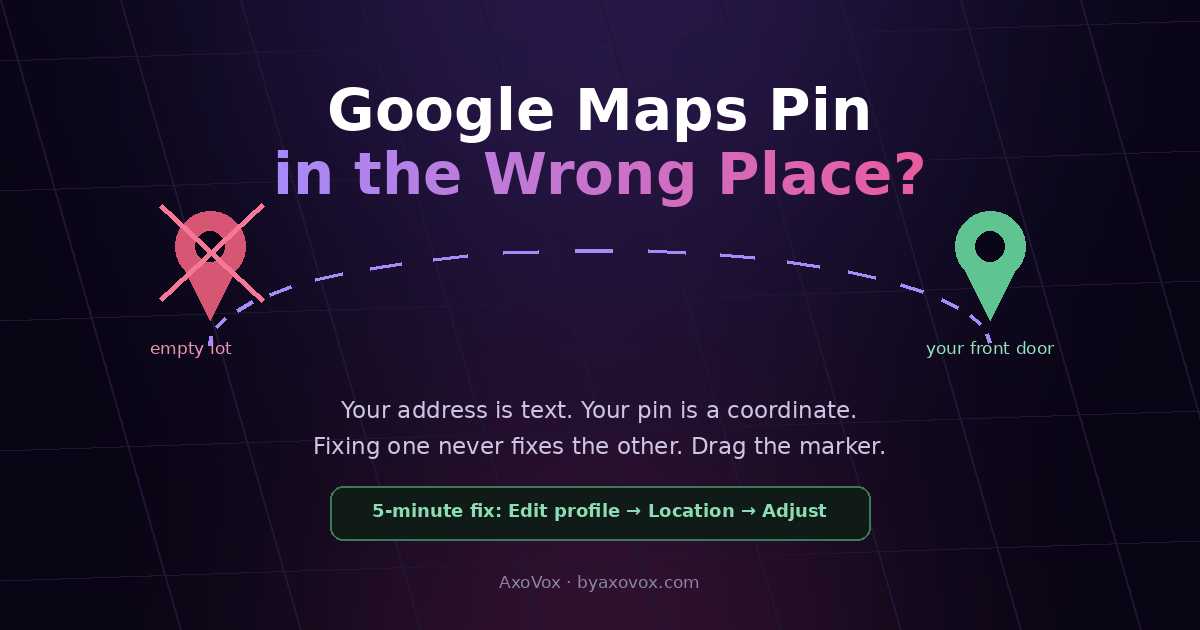
The call usually starts the same way: “I’m standing where the map sent me and I don’t see you.” The pin has your customer at an empty lot, the back of the building, or your neighbor’s front door, and every misdelivered driver, lost customer and “wrong address” review after that is the map’s fault landing on your reputation.
Here’s the piece that makes this fixable: your address and your pin are two separate things in Google’s system. The address is text; the pin is a coordinate, and Google places that coordinate by geocoding, an educated guess that reads your street number and drops a marker where the math says the building should be. On new streets, complexes, corner entrances and mid-block units, the math misses. Which is why “but my address is correct!” and “the pin is wrong” are both true at once, and why fixing the text never moves the marker.
You fix the marker by moving the marker. Here’s how, plus what to do when it snaps back.
The 5-minute fix: drag the pin yourself
1. Google your business name signed into the managing account → Edit profile → Location
2. Find “Adjust” on the map preview: the marker becomes draggable
3. Drop it on your customer entrance, not the roof center, not the parking lot, the door people should walk to
4. Save. Changes may sit in review briefly; check back in a day or two
5. Then test like a customer: navigate to your business from a phone and see where it takes you
Why the pin was wrong in the first place
- Geocoding guessed. Google interpolates street numbers along a road; new construction, odd numbering and long blocks break the guess.
- The address is imprecise. Complexes, malls and shared buildings need the unit/suite in the address line, or the pin defaults to the complex centroid.
- Someone “fixed” it wrong. Public map edits (“Suggest an edit”) can move markers; a well-meaning stranger may have relocated you.
- Duplicate listings. A second listing with an old or auto-generated location can be the one customers actually find, its pin, its problem.
When the pin snaps back, or won’t move
The stubborn-pin sequence
- Re-check the address text first. A pin dragged away from where the address geocodes tends to drift back. Make the address itself precise, exact street number, unit/suite, and then place the pin; the two should agree, not fight
- Fix the building, not just the business. If the whole address geocodes to the wrong spot (the map thinks number 14 is where 22 is), report it in Google Maps itself: right-click the true location → “Report a data problem” / suggest an address fix. Business pins inherit base-map errors
- Hunt duplicates. Search your name and old addresses in Maps; report any duplicate listing (“Suggest an edit” → doesn’t exist / duplicate). The old-address cleanup walks the whole reconciliation
- Re-drag after the base fixes land, and screenshot everything in case you need support later
Guide the last 20 meters (the part maps can’t do)
- Set the address description / directions field on your profile: “entrance on the side street, next to the pharmacy”. It shows to navigating customers exactly when they need it
- Add a photo of your entrance as seen from the street; arriving customers match pixels, not coordinates
- Put the same one-line arrival hint on your contact page and in booking confirmations. Zero-cost, kills most “can’t find you” calls
The check most owners never make
Your pin can be perfect and your customers still misrouted, because navigation apps route to the nearest road point, not to your door: a pin at a corner entrance can route arrivals to the wrong street entirely. After any pin change, run the real test, drive or walk the route from a few directions like a first-time customer. Five minutes of pretending to be lost finds the problem every dashboard hides, and it’s the same test-like-a-customer habit that catches wrong phone numbers and every other listing rot before customers do.
Still broken?
The Adjust option doesn’t appear. Usually a profile state problem: unverified, suspended, or you’re on a non-managing account. Verify ownership first; a suspended profile has its own path back.
Service-area business with no storefront. You don’t get a public pin by design; hiding the address is correct. If a pin shows anyway at your home, clear the address field and re-save your service areas.
Customers see different pins on different apps. Waze, Apple Maps and delivery apps hold their own maps. Fix Google first (it feeds many), then claim your listing on Apple Business Connect and correct Waze via its map editor.
The pin is right but “wrong address” reviews keep coming. Reply once, warmly and publicly, with the arrival hint (“entrance on Herzl side, by the blue gate”), which converts each complaint into signage for future readers, templates in the review-response guide.
Everything’s correct but the map shows you a block away only in Street View or satellite. Imagery lags reality; coordinates rule routing. If navigation lands people correctly, you’re done, imagery catches up on its own schedule.
Common questions
How do I move my business pin on Google Maps?
From the managing Google account, open your Business Profile, choose Edit profile, then Location, and use the map’s Adjust option to drag the marker onto your customer entrance and save. Changes can take a day or two to appear everywhere.
Why does my Google Maps pin keep moving back?
Because the pin and the address must agree: a marker dragged far from where the address text geocodes tends to revert. Make the address precise (number, unit, suite), fix any base-map error for the building itself, remove duplicate listings, then re-place the pin.
My address is correct but the pin is in the wrong place. How?
Address and pin are separate layers: the address is text, the pin is a geocoded coordinate, an estimate of where that text sits on the map. On new streets, complexes and mid-block units the estimate misses, which is why fixing the text alone never moves the marker.
Can customers or strangers move my map pin?
Public “Suggest an edit” contributions can propose marker moves, and some get applied. If your pin migrated without you touching it, that’s the likely cause; drag it back, and keep your profile actively managed since attended listings resist stray edits better.
How do I fix my location on Waze and Apple Maps too?
Each holds its own map: claim your business in Apple Business Connect and correct the location there, and fix Waze through its community map editor. Google is the priority since many services inherit from it, but the big three are worth ten minutes each.
Where should the pin actually point: the building or the entrance?
The customer entrance. Navigation routes to the nearest road point of the pin, so an entrance-placed pin lands people on the correct street and side. After moving it, test the route from a few directions like a first-time visitor.
How long until the corrected pin shows for customers?
Simple drags within the address’s expected area often apply within hours to a couple of days; changes involving review, base-map fixes or duplicate removal can take longer. The live test, navigating to yourself, is the only confirmation that counts.