Hundreds of millions of people now ask ChatGPT and Google’s AI who to hire, where to eat, who to trust. Those systems check a business before naming it, and a business that fails the check doesn’t get an error message or a warning letter. It gets silently replaced by a competitor who passes, in an answer you’ll never see. Which makes this the strangest blind spot in small-business marketing: you can know your… Read more: How to Check Your AI Visibility (the 5-Minute Test Every Owner Should Run)
You ask for a review, they say “of course,” and then reality: search, find, scroll, tap. Every step loses willing reviewers. The fix is a link most owners don’t know exists – one tap, review box open, stars waiting. Two ways to get yours, and the script that makes it work.
Google will take any budget. Whether it produces customers at a price you can live with is arithmetic most businesses never run. Ten seconds: your real cost per lead, cost per customer, and a straight verdict on whether the math closes.
Google measures your title in pixels, not characters, then cuts mid-sentence. Preview your snippet exactly as it renders on desktop and mobile, with warnings before the ellipsis. Free, nothing stored.
When someone asks ChatGPT or Google’s AI for the best business in your category, the answer either includes you or it doesn’t. There’s no page two. Eight yes/no questions score the signals AI actually checks, then hand you the fixes in order. Free, nothing stored, no email gate.
How long does SEO take for your situation specifically? Three questions — where your site starts, how crowded your market is, how much work will actually happen — and out comes an honest month-by-month timeline. No page-one-in-30-days fantasy, no email gate.”
Answer four questions about the site you actually need and get realistic 2026 ranges for building it three ways: DIY, freelancer, or agency. Honest math from our published cost guide, running in your browser, no email gate.
Paste your Place ID, get the link that opens your Google review box with the stars ready to tap, plus a printable QR code for the counter and the invoice. Free, runs in your browser, nothing stored, no email gate.
What should you actually spend on marketing? Enter your revenue, pick your goal, get your number: the 7-12% rule applied and split by channel, with honest advice for small budgets. Free, runs in your browser, no email gate.
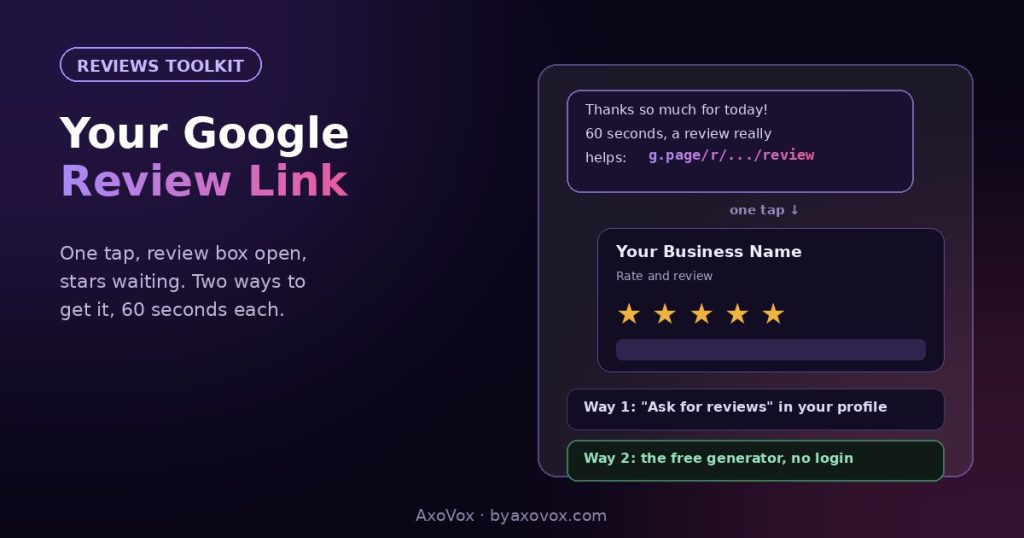 You ask for a review, they say “of course,” and then reality: search, find, scroll, tap. Every step loses willing reviewers. The fix is a link most owners don’t know exists – one tap, review box open, stars waiting. Two ways to get yours, and the script that makes it work.
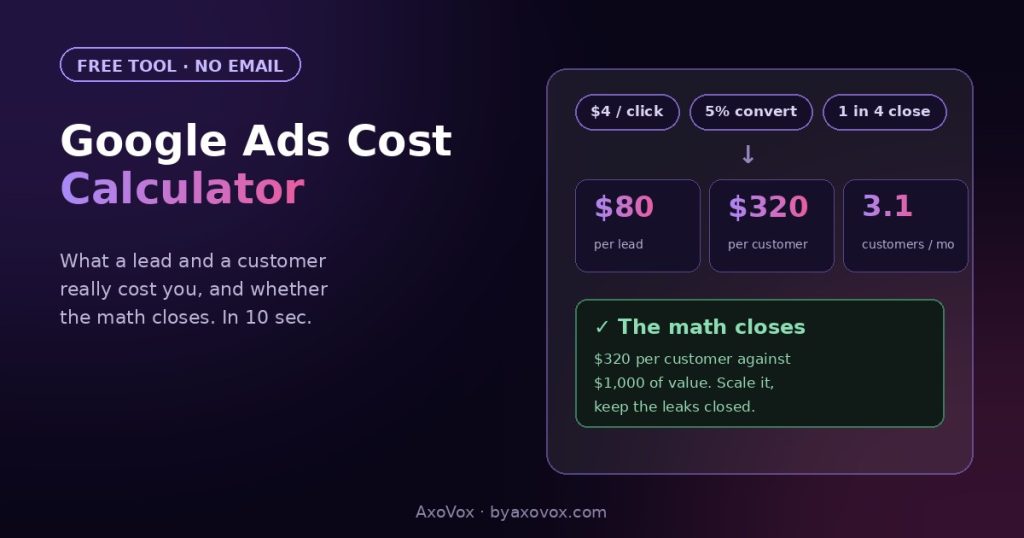 Google will take any budget. Whether it produces customers at a price you can live with is arithmetic most businesses never run. Ten seconds: your real cost per lead, cost per customer, and a straight verdict on whether the math closes.
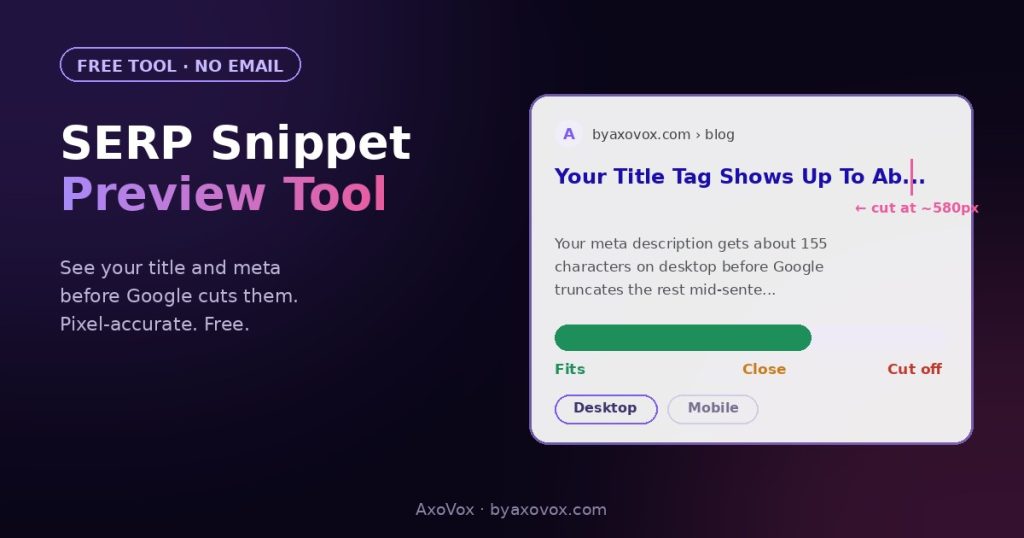 Google measures your title in pixels, not characters, then cuts mid-sentence. Preview your snippet exactly as it renders on desktop and mobile, with warnings before the ellipsis. Free, nothing stored.
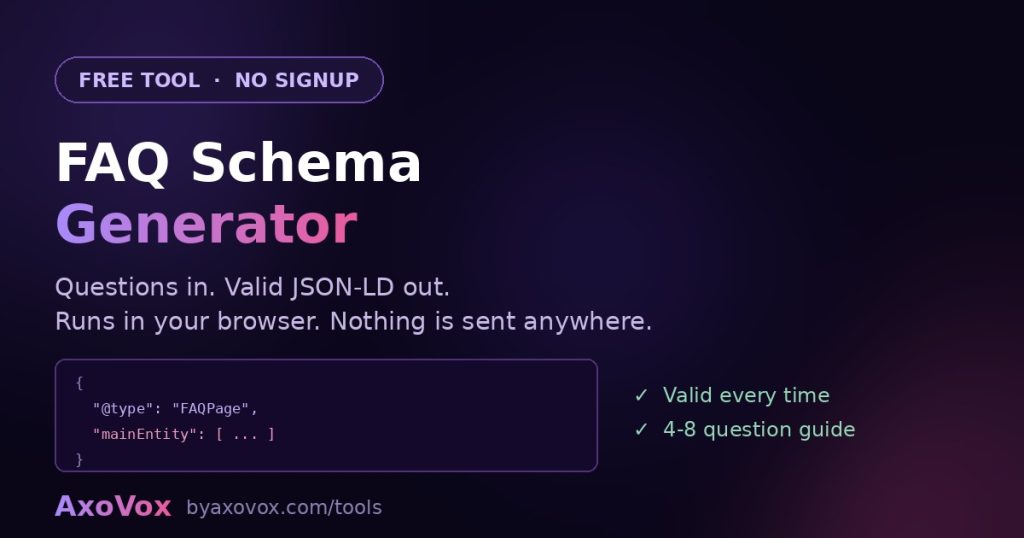 Turn your questions and answers into valid FAQPage JSON-LD. Free, no signup, and nothing you type leaves your browser.
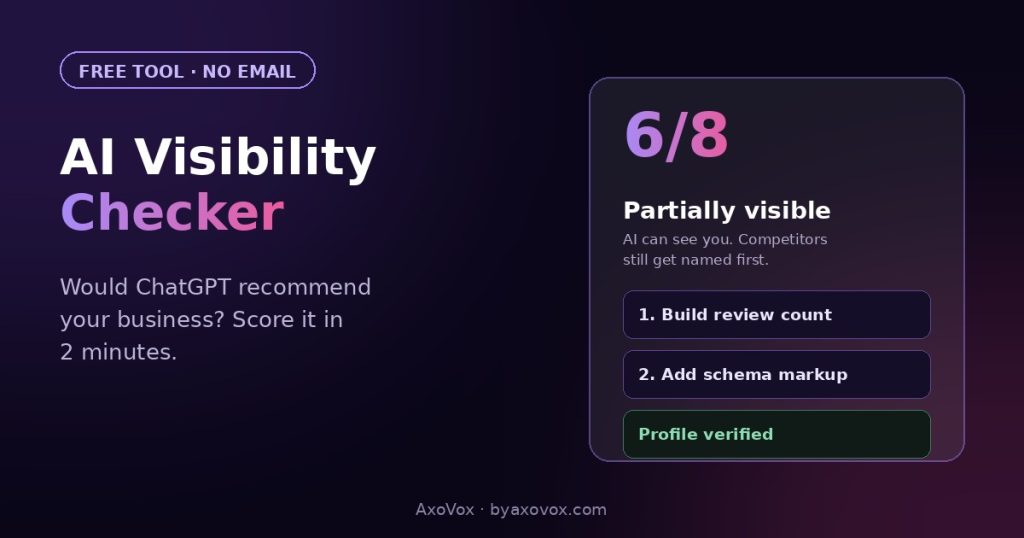 When someone asks ChatGPT or Google’s AI for the best business in your category, the answer either includes you or it doesn’t. There’s no page two. Eight yes/no questions score the signals AI actually checks, then hand you the fixes in order. Free, nothing stored, no email gate.
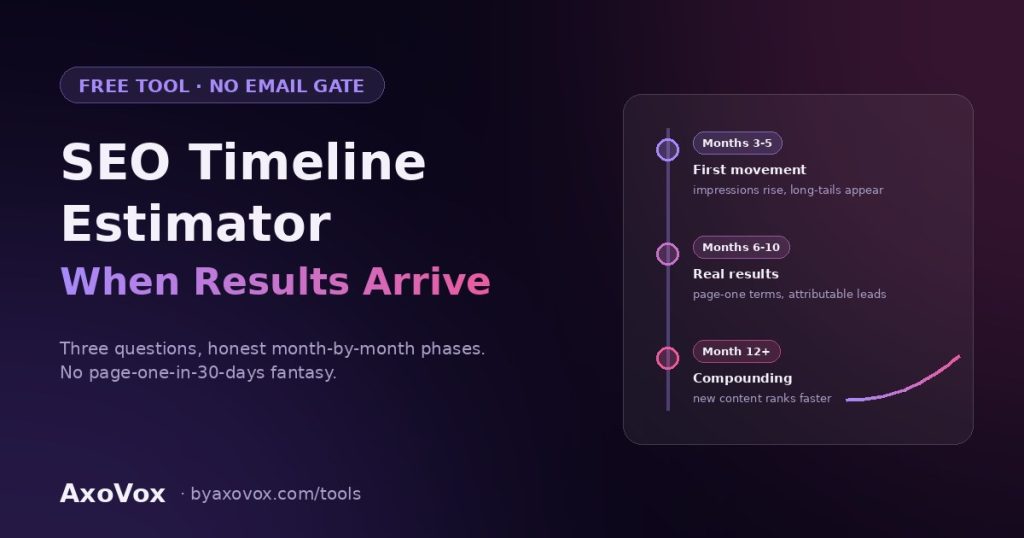 How long does SEO take for your situation specifically? Three questions — where your site starts, how crowded your market is, how much work will actually happen — and out comes an honest month-by-month timeline. No page-one-in-30-days fantasy, no email gate.”
 Answer four questions about the site you actually need and get realistic 2026 ranges for building it three ways: DIY, freelancer, or agency. Honest math from our published cost guide, running in your browser, no email gate.
 Paste your Place ID, get the link that opens your Google review box with the stars ready to tap, plus a printable QR code for the counter and the invoice. Free, runs in your browser, nothing stored, no email gate.
 What should you actually spend on marketing? Enter your revenue, pick your goal, get your number: the 7-12% rule applied and split by channel, with honest advice for small budgets. Free, runs in your browser, no email gate.